Digital Sunscreen: The NHRS Summer Cybersecurity Series
Phishing and spoofing were the most reported cybercrimes in the country last year. The FBI's 2025 Internet Crime Report logged 191,561 phishing and spoofing complaints, resulting in over $215 million in losses. Older adults are especially at risk: complaints from adults 60 and older more than doubled in a single year, from 23,252 in 2024 to 48,064 in 2025.
What Are Spoofing and Phishing?
Spoofing occurs when a scammer fakes an email address, phone number, or website to impersonate someone you trust. They often change just one letter or number to make it look authentic.
Phishing works like fishing: scammers cast bait in the form of fake emails and links, hoping you'll take it. They impersonate NHRS, your bank, or a government agency and ask for passwords, Social Security numbers, or banking information. Often they include a link to a fake website that mirrors the real one. Phishing extends beyond email to text messages, phone calls, and social media.1
Important: NHRS will never contact you by email, phone call, or text to ask for your password, PIN, or full Social Security number. Period. If someone does, it's a scam.
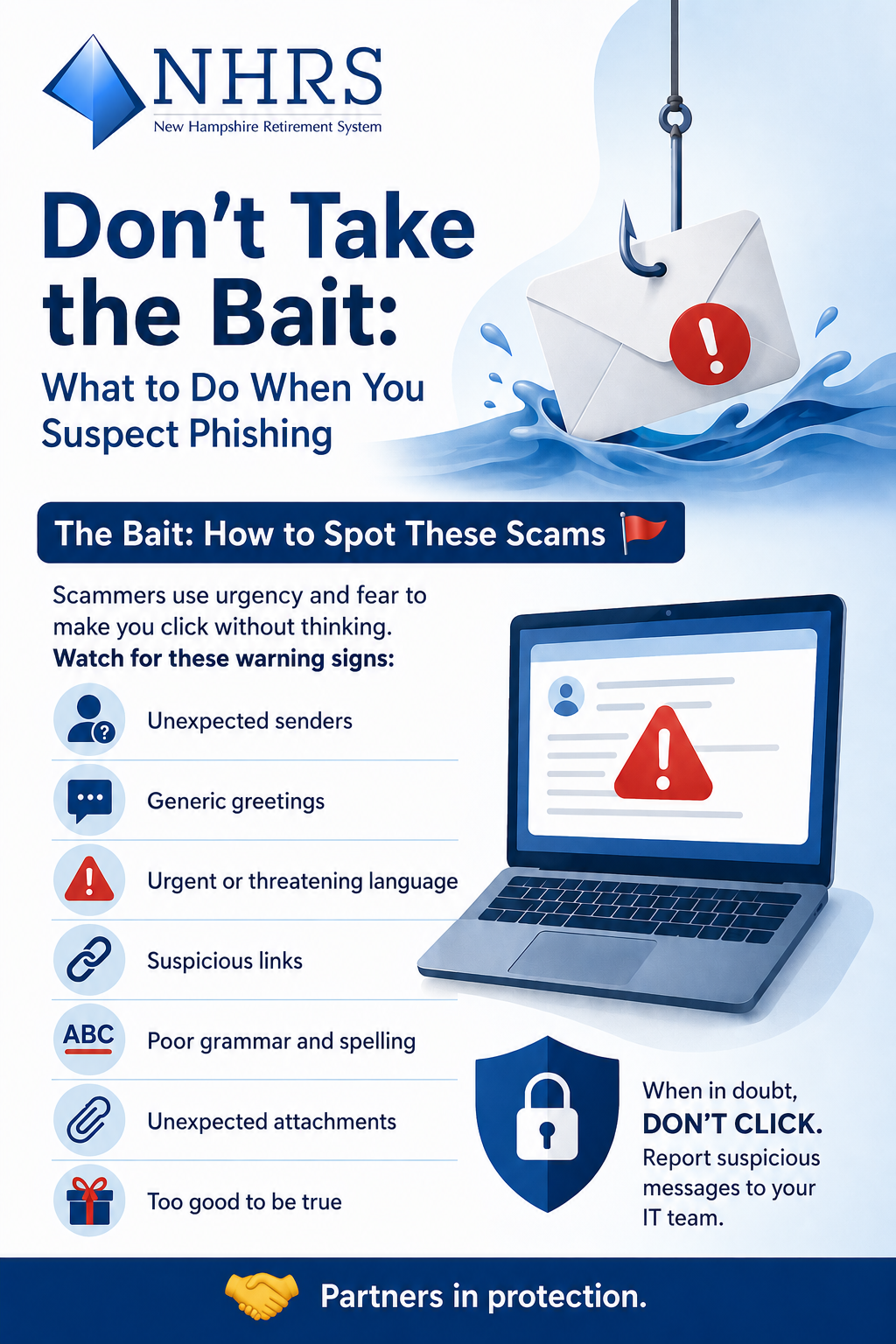
The Bait: How to Spot These Scams🚩
Scammers use urgency and fear to make you click without thinking. Watch for these warning signs:
- Unexpected senders: Check the email address carefully. Look for misspelled words or unfamiliar domains (for example, nhrs-support.com instead of nhrs.org).
- Generic greetings: Real companies use your name. Fake emails say "Dear Valued Member" or "Dear Customer."
- Urgent or threatening language: "Immediate action required" or "Your account will be suspended" are common tactics.
- Suspicious links: Hover over links to see where they actually lead. The real URL may differ from what's displayed.
- Poor grammar and spelling: Official messages from legitimate companies are carefully written. Mistakes signal a scam.
- Unexpected attachments: Be cautious of compressed files and Office documents from unknown senders.
- Too good to be true: Fake prize offers, quizzes requesting personal information, and unrealistic deals are red flags.
Don't Take the Bait: What to Do When You Suspect Phishing
- Don't click. Don't open links, attachments, or reply to suspicious messages.
- Verify separately. Call the organization using a phone number you know is real, not one from the suspicious message.
- Report it. Forward phishing emails to the Anti-Phishing Working Group at reportphishing@apwg.org. Report fraud at www.justice.gov/criminal/criminal-fraud/report-fraud.
- Delete it. Once reported, delete the message.
Strengthen Your Defenses
- Enable multi-factor authentication (MFA): This adds an extra security step when you log in. Even if a scammer obtains your password, they cannot access your account without this additional verification.
- Use strong passwords with a password manager: Password managers store passwords securely and are your best defense against credential theft.
- Keep software updated: Don't skip updates on your phone, computer, or browser. They fix security vulnerabilities scammers exploit.
- Think before you click, download, and post: The less personal information you share online, the harder it is for scammers to target you.
The Bottom Line
Scammers are patient, casting thousands of lines. You decide whether to take the bait. If a message looks suspicious, don't click. Period.2
Resources and More Information
- FBI Guide to Spoofing and Phishing: Overview of these scams and how to protect yourself.
- NHRS' Protecting Against Scams: Guidance on recognizing scams and reporting fraud.
Explore the rest of our Digital Sunscreen series: Securing Your Summer (summer cybersecurity checklist), Protect What You've Earned: Cybersecurity and Financial Exploitation (five tips for spotting scams), and Your First Line of Defense: Building Better Passwords (strengthening account protection).
-----
1 Definitions adapted from the FBI's Spoofing and Phishing guide