Digital Sunscreen: NHRS Summer Cybersecurity Series ☀️🔒
Why This Matters Now
Weak and reused passwords remain one of the easiest ways in for cybercriminals. Research shows that attacks using stolen credentials succeeded 98% of the time in 2025, and password cracking succeeded in 46% of tested environments, nearly double the 25% recorded the year before.1 The same weaknesses that put those systems at risk (short passwords, reused logins, no second layer of protection) are just as common on personal accounts. The good news: a few consistent habits close most of that gap.
Lock the Front Door: Five Steps to a Stronger Password
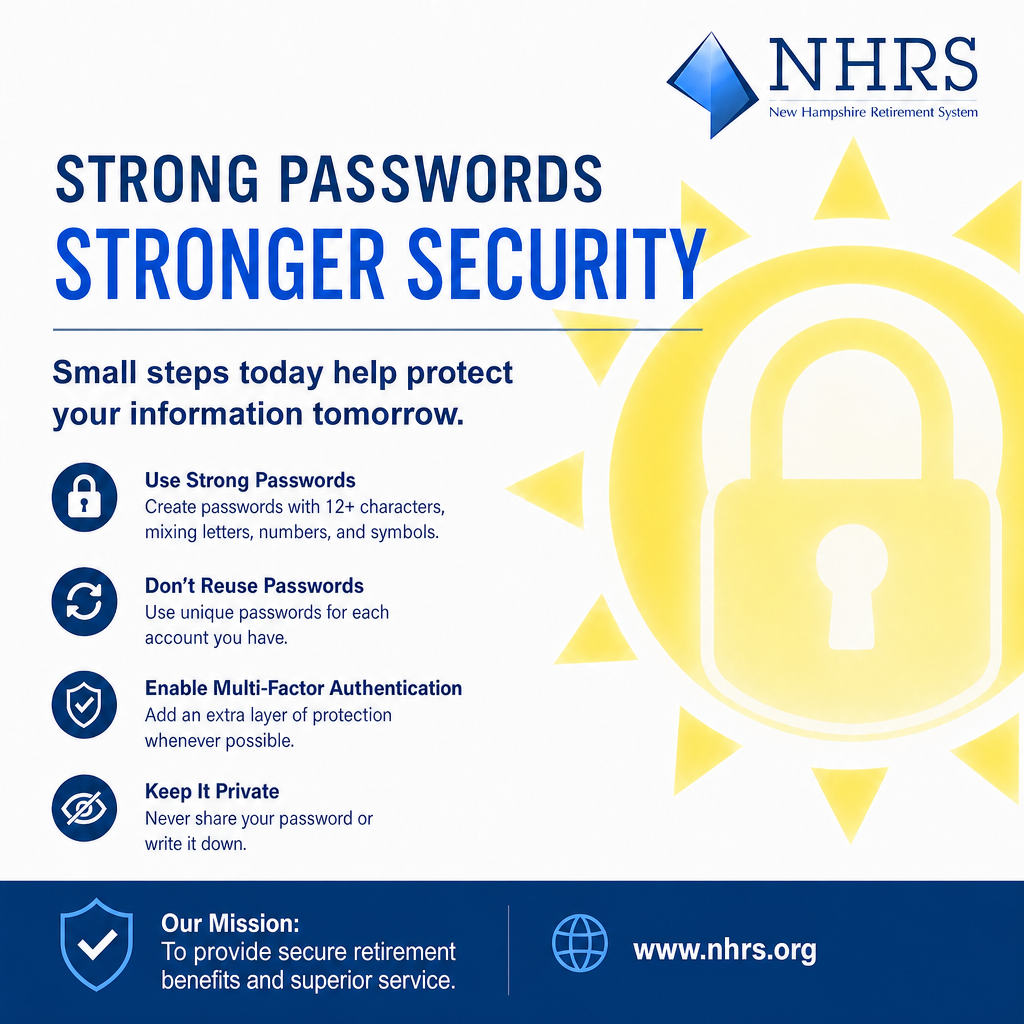
Build a passphrase, not just a password. A short, complex password is hard to remember and increasingly easy to crack. Instead, string together four or more unrelated words. The longer and more random the combination, the harder it is to guess or brute-force, and the easier it is for you to recall.
Never reuse a password. If one site is breached, criminals will try those same credentials elsewhere, including your bank and your NHRS My Account. Every login should have its own unique password.
Let a password manager do the work. Keeping track of dozens of strong, unique passwords is difficult on your own. Tools like Bitwarden and 1Password generate, store, and autofill secure passwords for you. You only need to remember one strong master passphrase.
Turn on multi-factor authentication (MFA) wherever it's offered. A password alone is only one lock on the door. MFA adds a second step, such as a code sent to your phone, so a stolen password isn't enough to get in. Enable it on your email, your bank, and your NHRS My Account.
Check whether your passwords have already been exposed. Free tools like Have I Been Pwned (haveibeenpwned.com) let you check if an email address or password has appeared in a known data breach. If it has, change that password immediately, along with any account where you reused it.
Put It Into Practice
Good password hygiene doesn't require a technical background, just a few minutes and a bit of consistency. Start by logging in to your NHRS My Account and confirming your password is strong and unique. Then do the same for your email and bank, since those accounts often unlock everything else.
1 Picus Security – The Blue Report™ 2025
—This is part of our "Digital Sunscreen: The NHRS Summer Cybersecurity Series." Watch for upcoming installments throughout the season and links to published posts below.